Worker Runs
Find deliverable assignments and older task-linked run history.
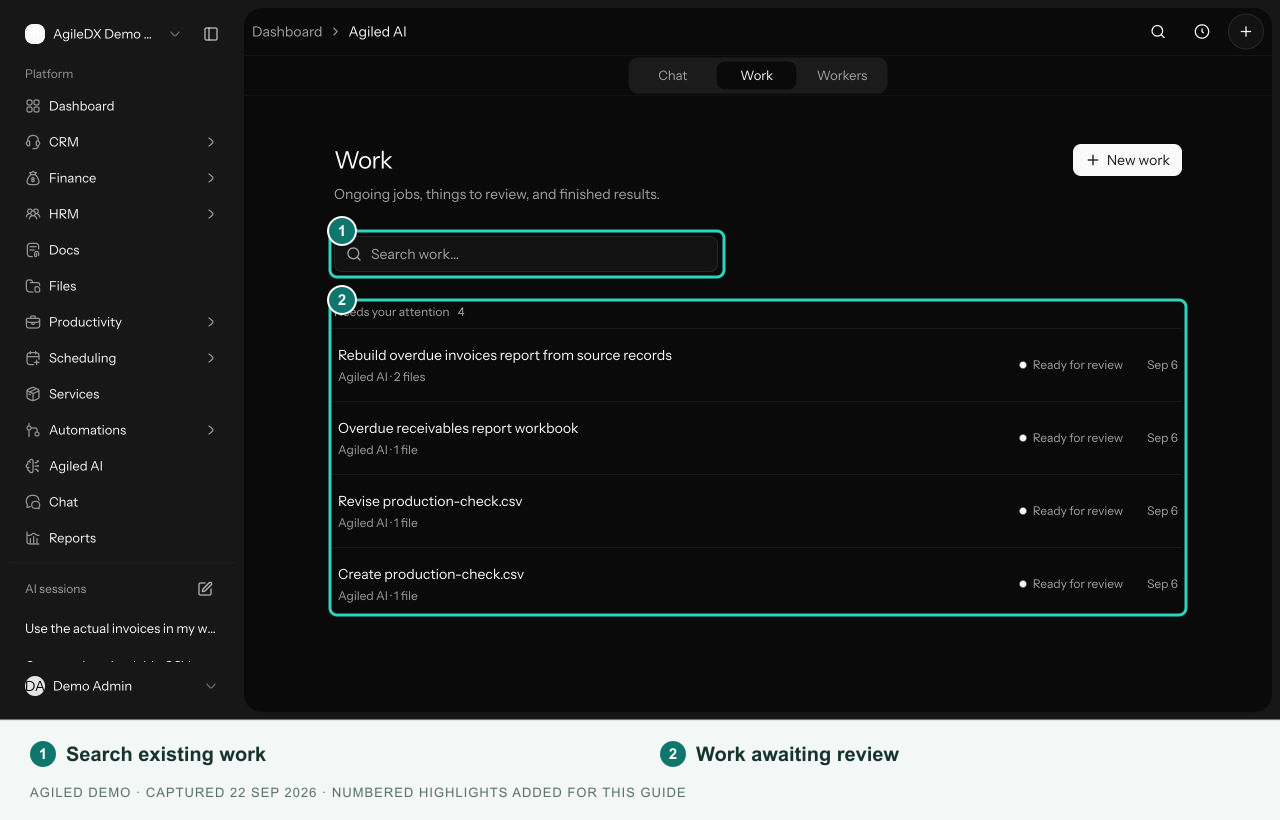
Use Agiled AI > Work for deliverable assignments. Open a worker to see its own assignment list and any older task-linked Runs.
Assignment states
| State | Meaning |
|---|---|
| Queued | The assignment is waiting to start. |
| Working | The worker is processing it. |
| Ready for review | The result is available for your review. |
| Accepted | A reviewer accepted the work. |
| Could not complete | The assignment failed; read its error and activity. |
| Cancelled | The assignment was cancelled. |
The Work list groups jobs needing attention, work in progress, and completed results. Search by title or worker name.
Open a result
Select the assignment to review its files, worker summary, proposed workspace changes, brief, source files, and activity. Use Preview where available or download a deliverable.
Ready for review does not mean the result has been accepted or that proposed workspace changes have run. Review those changes separately.
Older task-linked runs
The worker's Runs section can show status, creation time, a task link, an output preview, and an error. Open the linked task to inspect any task-comment output. File assignments are reviewed in Work instead.