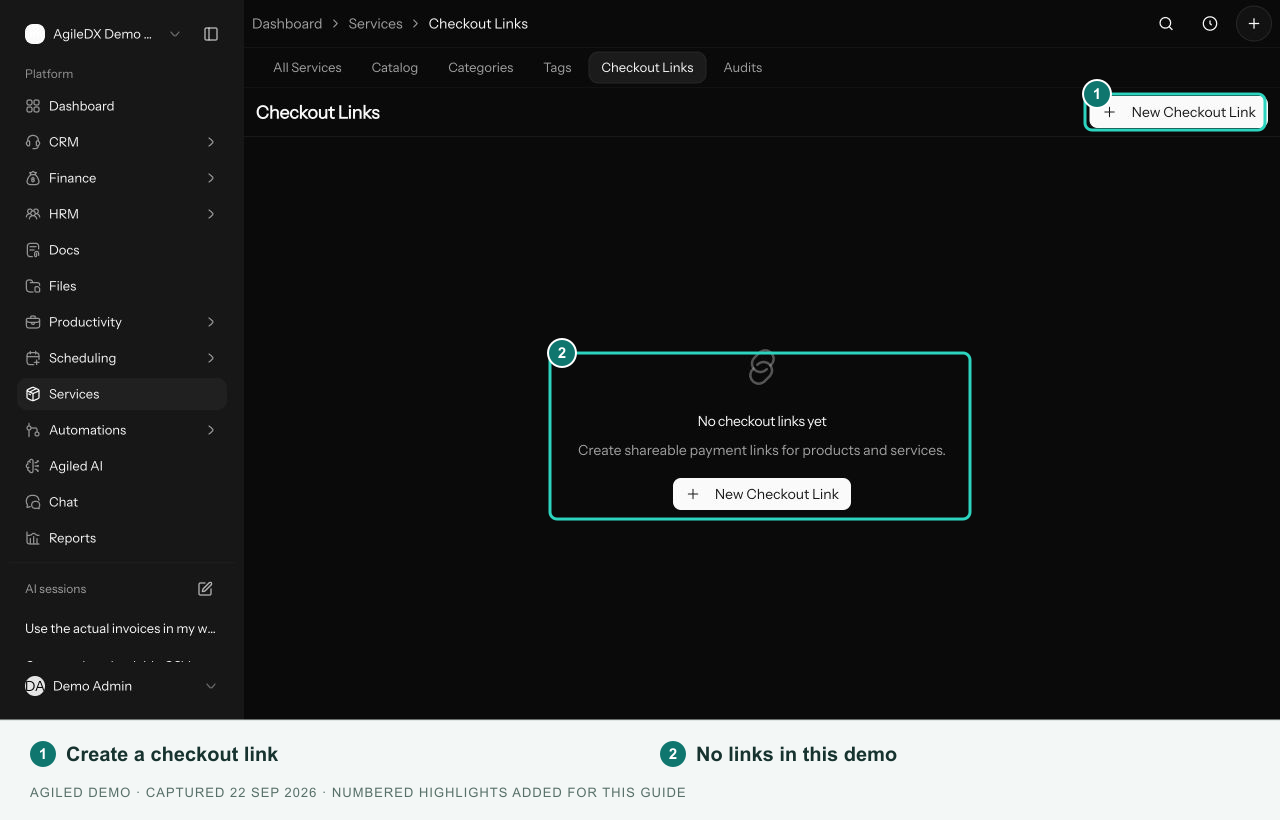
Checkout Links
Distinguish direct service checkout from standalone checkout-link settings.
There are two different places to find checkout links:
- A saved service's header has Copy checkout link for that service.
- Services > Checkout Links contains standalone link settings records.
Current Availability
These settings can be saved, but the public purchase flow for standalone catalog and checkout-link records is not currently available. Saving an active record does not make its generated URL a working checkout.
For a single-service purchase, open Services > All Services, select the service, and use Copy checkout link in its header. Review the service checkout flow before sharing.
Standalone Link Settings
The management form supports a name, single or multiple products, currency, quantities, price overrides, payment-method selection, custom intake fields, success settings, limits, active status, and invoice settings.
These options belong to the standalone record. They are not automatically applied to a direct service checkout.
Configure a Direct Service Checkout
Open the service and select Settings. Configure the success message, redirect URL, maximum quantity, intake form, and project creation. Use Pricing for its price, recurring cycle, and plan tiers, then Save.