Catalog Settings
Find catalog settings under Services and understand current public availability.
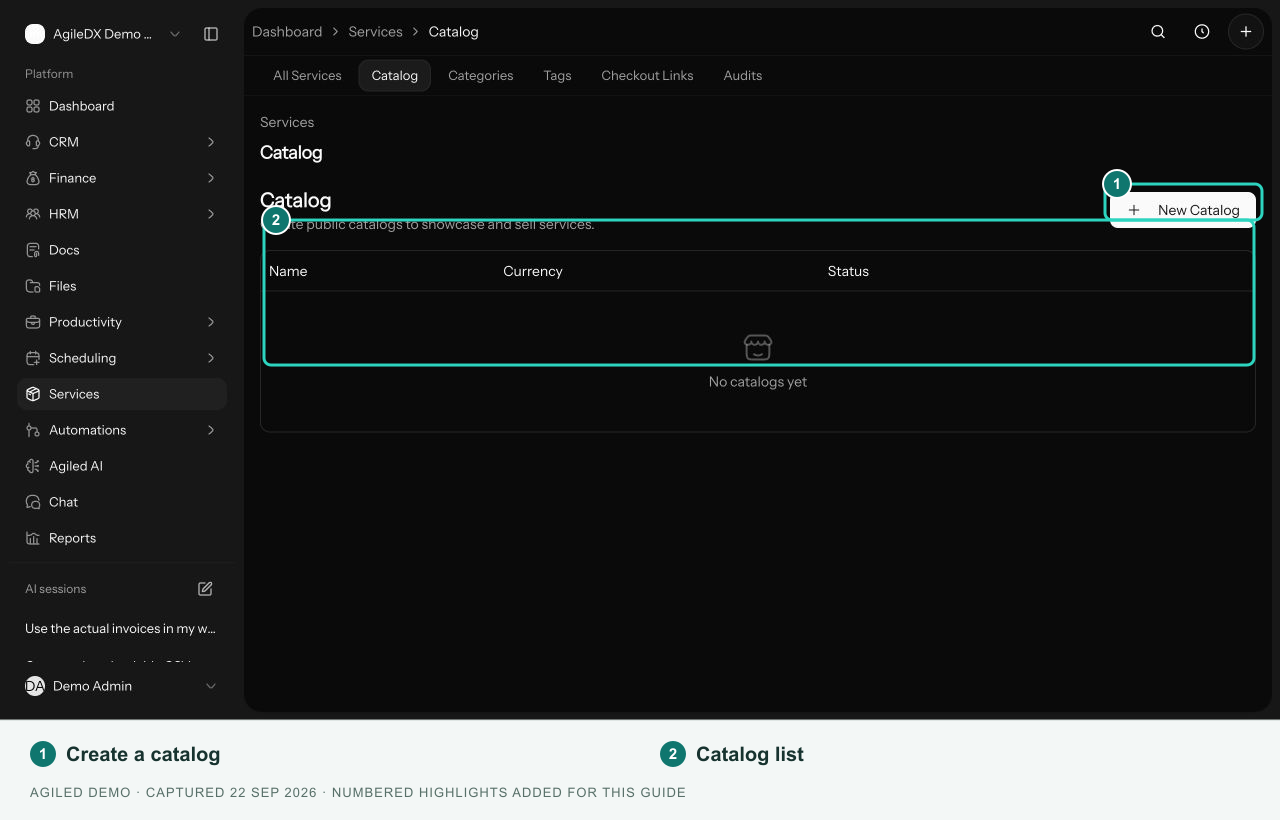
Catalog settings live under Services > Catalog. This area replaces the former Storefronts navigation. Use All Services to manage individual service records.
Current Availability
These settings can be saved, but the public purchase flow for standalone catalog and checkout-link records is not currently available. Saving an active record does not make its generated URL a working checkout.
For a single-service purchase, open Services > All Services, select the service, and use Copy checkout link in its header. Review the service checkout flow before sharing.
Manage Catalog Settings
Select New Catalog to enter a name, store title, description, currency, product selection, sorting, and success settings.
Existing records have edit, copy-link, open, and delete actions. Review settings before changing records that teammates already reference.
The form includes Active and Auto-generate Invoice options. Those saved options do not prove public checkout or invoice generation works for the catalog; use the availability guidance above.