Catalog and Checkout
Understand Services navigation, direct checkout, and current catalog limitations.
Open Services to manage individual offers, catalog settings, and checkout links.
Direct Service Checkout
The current public buying flow starts from a saved service. Open Services > All Services, select the service, and use Copy checkout link. Configure its price, media, and checkout settings before sharing.
Customers can review the service, enter their details, complete an intake form when configured, and choose an available payment method. Project creation is optional and controlled by the service's settings.
Catalog and Standalone Checkout Links
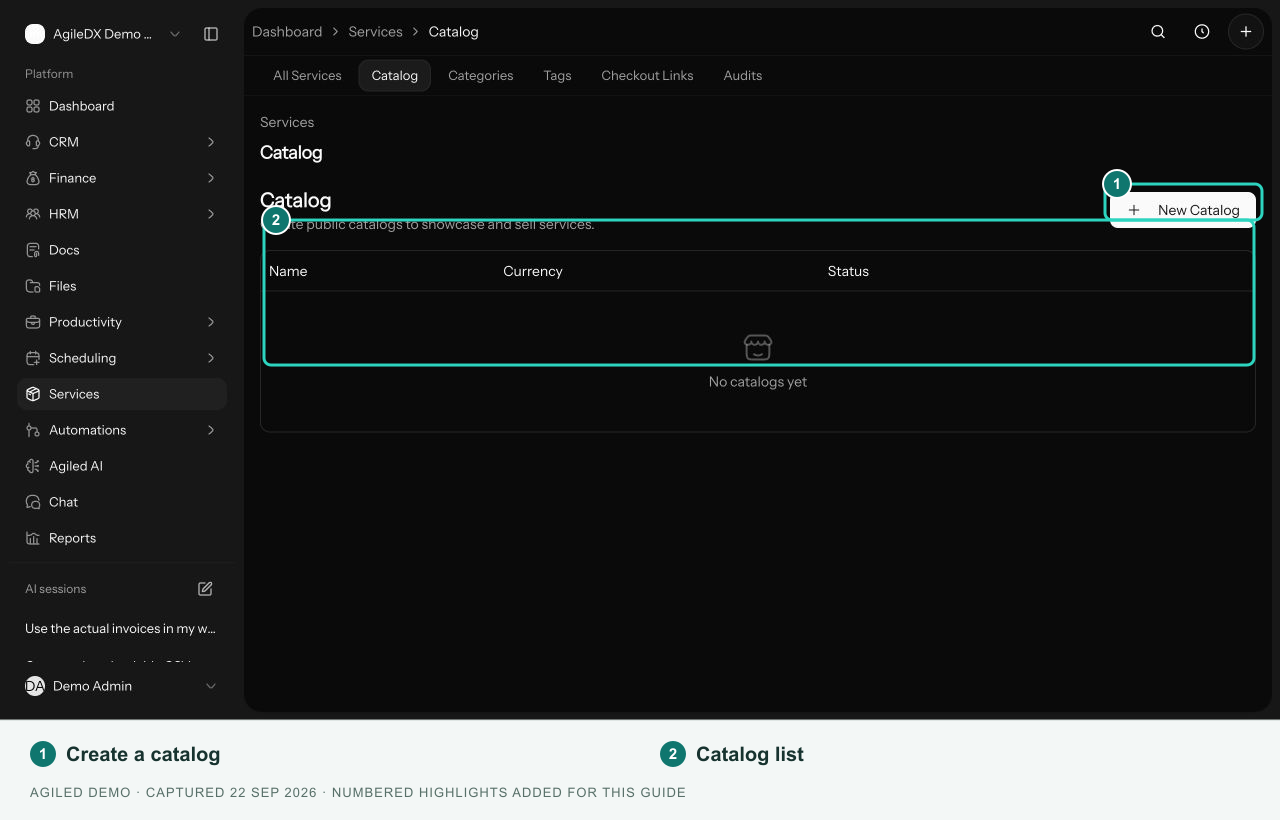
Services > Catalog manages catalog settings, previously called storefronts. Services > Checkout Links manages standalone link records.
These management screens remain available, but their public purchase flows are not currently available. Use the direct checkout link on the service itself for a single-service offer.
After a Purchase
There is no separate Commerce > Orders page in the current app. Review the customer in CRM, the payment with the payment provider, and the project in Productivity > Projects when project creation is enabled. See Review Service Purchases.